What Is a Google Shopping Search API?
Learn what a Google Shopping Search API is, what product data it returns, how it differs from Google Merchant API, and how ecommerce teams use it for price monitoring, competitor tracking, product research, SEO, and AI shopping agents.
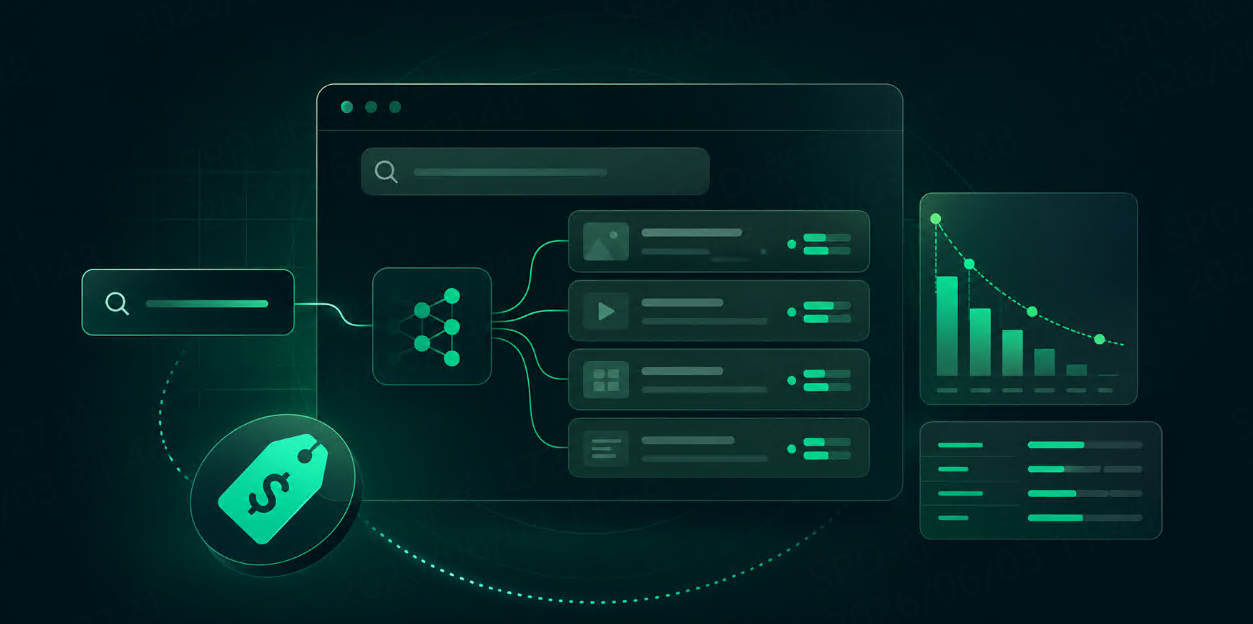



A Google Shopping Search API is an API that collects product search results from Google Shopping and returns them in a structured format, usually JSON.
Instead of opening Google Shopping in a browser, typing a product keyword, scrolling through results, and copying product information manually, you send a request to an API and receive product data such as titles, prices, sellers, product links, ratings, review counts, thumbnails, delivery information, and ranking positions.
For ecommerce teams, SEO teams, price monitoring tools, AI shopping agents, and market research workflows, this data is useful because Google Shopping reflects how products appear in a real search environment.
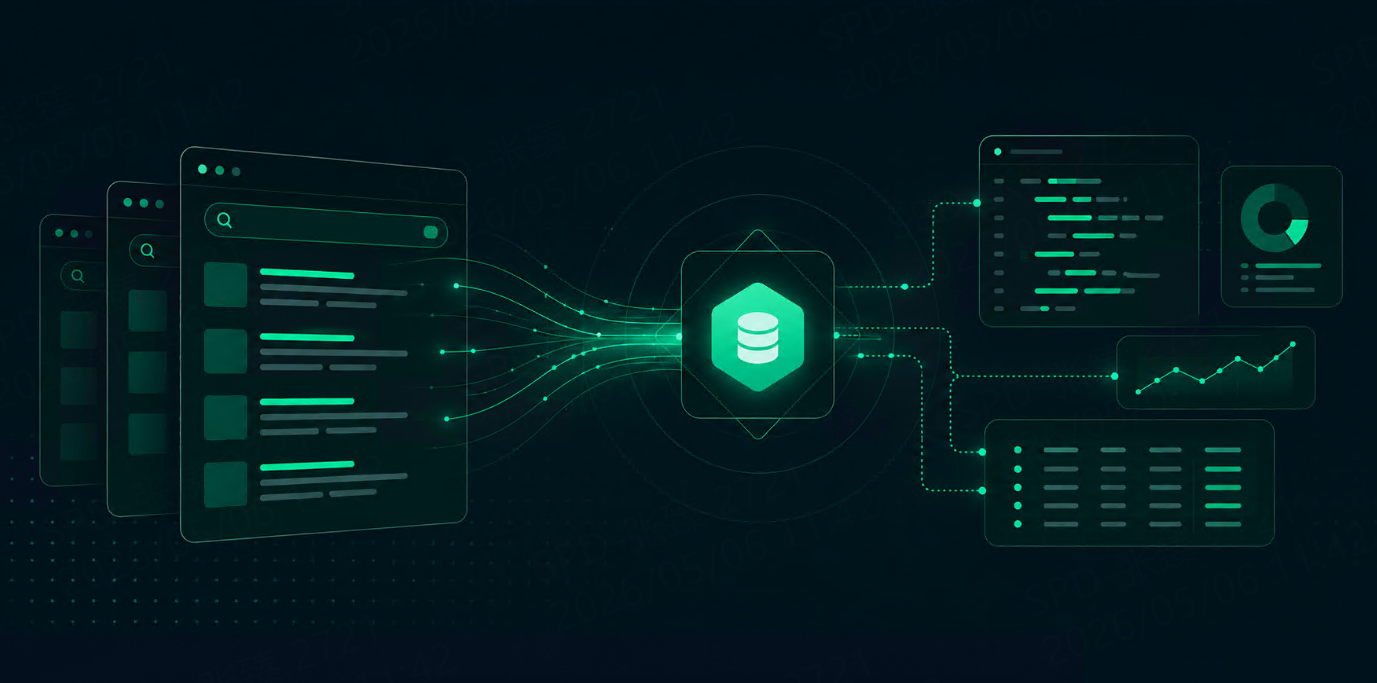
A simple Google Shopping Search API workflow looks like this:
Product keyword
   ↓
Google Shopping Search API
   ↓
Structured product results
   ↓
Price monitoring, competitor tracking, ecommerce research, AI workflows
What does a Google Shopping Search API return?
A Google Shopping Search API usually returns structured product fields.
Common fields include:
|
Field |
Meaning |
|---|---|
|
Product title |
The name shown in Google Shopping |
|
Price |
Current visible product price |
|
Old price |
Previous or crossed-out price, when available |
|
Seller / source |
Merchant or store name |
|
Product link |
Link to the product or Google product page |
|
Thumbnail |
Product image |
|
Rating |
Product rating |
|
Review count |
Number of product reviews |
|
Delivery info |
Shipping or delivery message |
|
Position |
Product ranking position in the result set |
|
Badge / tag |
Labels such as sale, deal, or merchant badge |
|
Location context |
Country, language, or region settings |
Google Shopping result APIs commonly expose fields such as product title, product ID, product link, source, price, old price, delivery, rating, reviews, snippet, thumbnail, tag, and badge.
Why do teams use Google Shopping Search APIs?
Google Shopping data is valuable because it connects product search intent with visible market data.
Here are common use cases:
|
Use case |
What the API helps you do |
|---|---|
|
Price monitoring |
Track product prices across sellers |
|
Competitor tracking |
See which competitors appear for target products |
|
Product research |
Discover popular products and categories |
|
Seller analysis |
Compare merchants shown in Google Shopping |
|
SEO monitoring |
Track product visibility in shopping search |
|
Market research |
Understand pricing, positioning, and product mix |
|
AI shopping agents |
Give AI systems real-time product search data |
|
Ecommerce dashboards |
Build product and pricing intelligence reports |
For example, an ecommerce team can track the keyword “wireless noise cancelling headphones” every day, collect the top products, compare prices, identify sellers, and monitor which brands appear most often.
That is more useful than a one-time manual search because the data becomes repeatable.
Google Shopping Search API vs Google Merchant API
This is an important distinction.
A Google Shopping Search API is used to collect product results that appear in Google Shopping search.
A Google Merchant API is used by merchants to manage their own Merchant Center accounts and product data. Google describes Merchant API as a way to manage Merchant Center accounts and showcase products, while the Merchant Products API lets merchants insert, update, retrieve, and delete product data.
They solve different problems.
|
API type |
Main purpose |
Best for |
|---|---|---|
|
Google Shopping Search API |
Collect visible Google Shopping search results |
Price monitoring, competitor analysis, market research |
|
Google Merchant API |
Manage your own Merchant Center product data |
Product feed management, inventory updates, merchant operations |
If you want to upload or manage your own product listings, use Google Merchant API.
If you want to see what products, prices, sellers, and rankings appear for a shopping query, use a Google Shopping Search API.
Example: what a response can look like
A simplified Google Shopping result may look like this:
{
  "query": "wireless headphones",
  "country": "us",
  "language": "en",
  "shopping_results": [
    {
      "position": 1,
      "title": "Wireless Noise Cancelling Headphones",
      "price": "$129.99",
      "extracted_price": 129.99,
      "old_price": "$159.99",
      "source": "Example Store",
      "rating": 4.6,
      "reviews": 1280,
      "delivery": "Free delivery",
      "thumbnail": "https://example.com/image.jpg",
      "product_link": "https://example.com/product"
    }
  ]
}
In real workflows, you should also store the search context:
|
Context |
Why it matters |
|---|---|
|
Query |
Defines the product search |
|
Country |
Shopping results vary by market |
|
Language |
Product titles and sellers can change |
|
Device |
Results may differ by device |
|
Timestamp |
Prices and rankings change over time |
|
Currency |
Required for price comparison |
Without context, product data becomes a loose puzzle piece on the floor.
How Google Shopping Search APIs help ecommerce teams
1. Price monitoring
Prices change often. A Google Shopping Search API lets you collect product prices repeatedly and compare them over time.
You can track:
|
Signal |
Example |
|---|---|
|
Current price |
$129.99 |
|
Old price |
$159.99 |
|
Discount |
19% off |
|
Seller price difference |
Seller A vs Seller B |
|
Daily price changes |
Yesterday vs today |
|
Lowest visible price |
Best price in result set |
This helps brands, marketplaces, and retailers understand how products are priced in the open shopping search environment.
2. Competitor tracking
Google Shopping results show which sellers and brands appear for product-related queries.
You can track:
|
Question |
Useful field |
|---|---|
|
Which competitors appear most often? |
Seller / source |
|
Which products rank higher? |
Position |
|
Which sellers offer lower prices? |
Price |
|
Which products have stronger trust signals? |
Rating and review count |
|
Which products show discounts? |
Old price and current price |
This is useful for ecommerce SEO, brand monitoring, and marketplace intelligence.
3. Product research
Google Shopping data can help you understand what products are visible for a category.
For example, if you search for “standing desk,” you can collect:
|
Data |
What it tells you |
|---|---|
|
Product titles |
Common product naming patterns |
|
Prices |
Market price range |
|
Sellers |
Active merchants |
|
Ratings |
Customer trust signals |
|
Reviews |
Product popularity signals |
|
Badges |
Promotions or special labels |
This helps product, content, and marketing teams understand what users see before they click.
4. AI shopping agents
AI shopping agents need current product data. Static training data is not enough because prices, sellers, discounts, and availability change.
A Google Shopping Search API can provide fresh product results that an AI agent can use to:
|
Agent task |
API data needed |
|---|---|
|
Compare products |
Title, price, rating, reviews |
|
Find cheaper options |
Price and seller |
|
Recommend products |
Rating, reviews, product title |
|
Monitor price drops |
Current and old prices |
|
Build shopping reports |
Product results over time |
The API becomes the agent’s product search radar.
How TalorData fits into this workflow
At TalorData, we treat Google Shopping data as part of a broader search data workflow.
Many teams do not only need one product search. They need repeatable search data across keywords, markets, languages, and use cases.
A Google Shopping Search API can support:
|
Workflow |
Example |
|---|---|
|
Ecommerce price monitoring |
Track product prices daily |
|
Competitor analysis |
Compare sellers and brands |
|
SEO monitoring |
Track product visibility |
|
AI agent workflows |
Provide real-time product data |
|
RAG workflows |
Collect product source data |
|
Market research |
Compare categories and pricing |
TalorData’s SERP API focuses on structured search result data for use cases such as SEO monitoring, AI agents, RAG, competitor tracking, and market research, with support for major search engines and structured output.
What to look for in a Google Shopping Search API
When choosing a Google Shopping Search API, check these points:
|
Requirement |
Why it matters |
|---|---|
|
Structured JSON output |
Easier to parse and store |
|
Product title and price fields |
Core ecommerce data |
|
Seller/source field |
Needed for competitor analysis |
|
Rating and reviews |
Trust and popularity signals |
|
Location and language parameters |
Shopping results vary by market |
|
Fresh data collection |
Prices change frequently |
|
Reliable success rate |
Reduces broken data workflows |
|
CSV/database compatibility |
Needed for reporting |
|
HTML output option |
Useful for debugging |
|
Scalability |
Needed for many products and markets |
Do not choose only by price per request. Choose based on whether the API returns the fields your workflow actually needs.
Common mistakes
Mistake 1: Confusing search data with merchant data
Google Shopping Search API is for collecting visible shopping search results. Google Merchant API is for managing your own product data.
Mistake 2: Only storing product titles
Product title alone is not enough. Store price, seller, rating, reviews, position, product link, and timestamp.
Mistake 3: Ignoring location
Shopping results can change by country, language, and region. Always save location context.
Mistake 4: Treating price as permanent
Shopping prices move. Store collection time and compare snapshots.
Mistake 5: Not deduplicating products
The same product may appear from multiple sellers or in multiple result positions. Use product ID, product link, title, seller, and price fields to deduplicate carefully.
Final thoughts
A Google Shopping Search API turns Google Shopping results into structured product data.
It helps teams collect product titles, prices, sellers, ratings, reviews, delivery information, product links, thumbnails, and ranking positions.
For ecommerce teams, this data can power price monitoring, competitor tracking, product research, shopping SEO, and market analysis. For AI teams, it can give shopping agents and RAG workflows fresh product context.
The simplest way to think about it is this:
Google Shopping shows what users see.
A Google Shopping Search API turns that view into data your systems can use.
FAQ
What is a Google Shopping Search API?
A Google Shopping Search API collects product search results from Google Shopping and returns structured data such as product titles, prices, sellers, ratings, reviews, thumbnails, product links, and ranking positions.
Is Google Shopping Search API the same as Google Merchant API?
No. Google Merchant API is used to manage your own Merchant Center account and product data. A Google Shopping Search API is used to collect visible product search results from Google Shopping.
What can I use Google Shopping Search API for?
Common use cases include price monitoring, competitor tracking, product research, seller analysis, ecommerce SEO, AI shopping agents, and market research.
What fields should I store first?
Start with query, country, language, timestamp, product title, price, seller, rating, review count, product link, thumbnail, delivery information, and position.
Do I need a Google Shopping Search API for AI agents?
Yes, if your AI agent needs current product information. Product prices, sellers, discounts, and rankings change frequently, so live search data is useful.