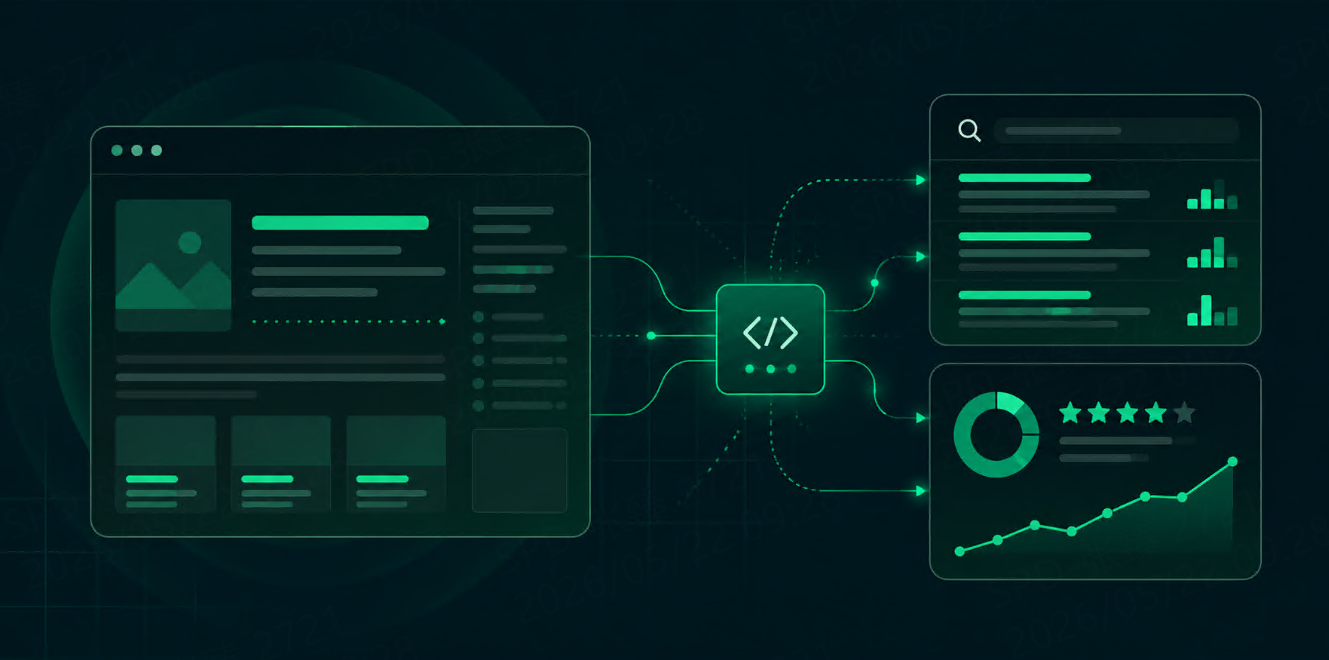
如何将本地 LLM 与实时 Google 搜索结果页(SERP)数据连接起来
了解如何利用 SERP API 将本地大语言模型(LLM)与实时 Google 搜索结果页面(SERP)数据连接起来。构建一个 Python 工作流,用于执行 Google 搜索、筛选 SERP 结果,并将最新的搜索上下文发送给本地模型。



Local LLM 很适合 private assistants、offline experiments 和 cost-controlled workflows。
但它本身无法看到实时 Google Search results。
如果你问 local model:
What are the current top-ranking pages for “best SERP API for AI agents”?
它可能会猜、根据过期 training data 回答,或直接说无法 access the web。
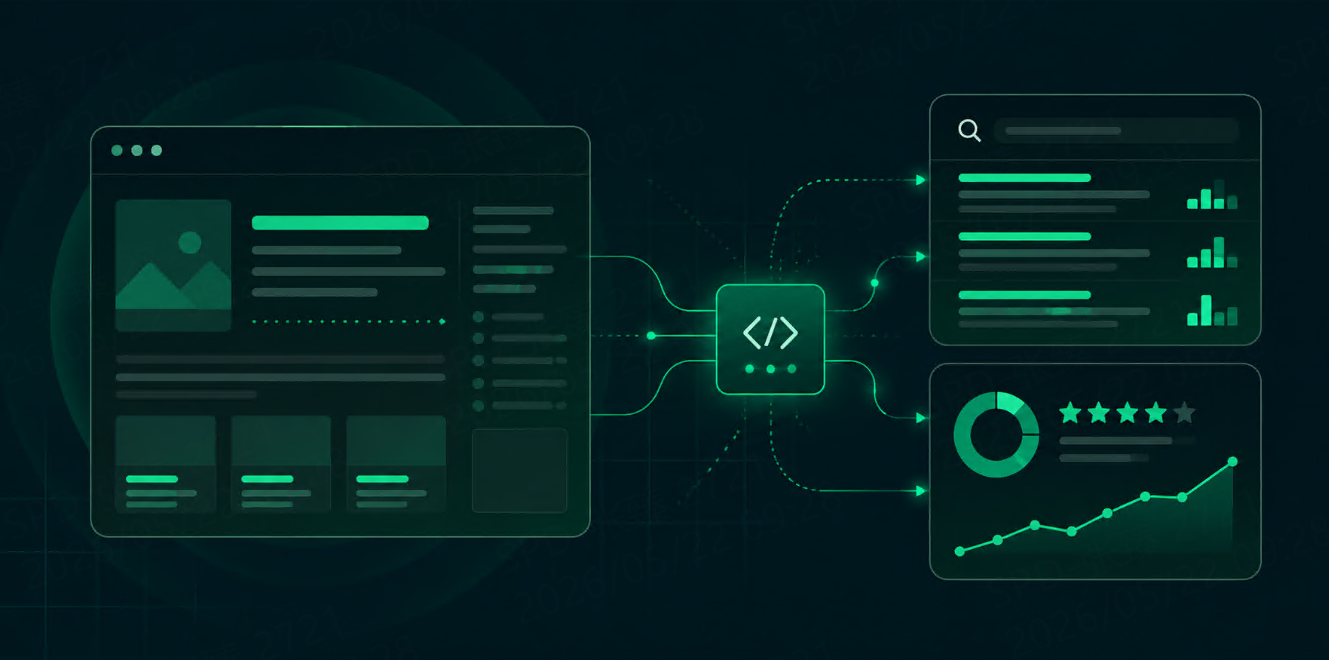
SERP API 可以解决这个问题。它能为 local LLM 提供 live search layer。你可以查询 Google,获取 structured SERP data,精简 response,然后只把有用字段传给模型。
LM Studio 支持通过 local API server 运行 local LLM,并支持 OpenAI-compatible endpoints。Ollama 也提供 OpenAI-compatible API support,包含使用 http://localhost:11434/v1 的示例。
为什么 Local LLM 需要 Google SERP Data?
Local model 可以用于 reasoning、summarizing、rewriting 和 private assistant。但它不会自动知道:
-
哪些页面今天正在排名
-
哪些 competitors 出现在 Google
-
用户目前看到哪些 snippets
-
哪些 sources 足够新,可以被引用
-
模型训练后发生了什么变化
Google SERP data 可以给模型提供最新 search context。
对 developer workflow 来说,最有用的字段通常是:
|
字段 |
为什么重要 |
|
|
帮助模型理解页面主题 |
|
|
提供 source URL |
|
|
提供页面简短摘要 |
|
|
显示 ranking order |
|
|
用于 deduplication 和 source quality |
|
|
方便后续 audit |
你不需要把完整 search response 都传给模型。对多数 local LLM workflow 来说,compact search context 已经足够。
我们要做什么?
整体 workflow 如下:
User question
→ Define a Google search query
→ Call a SERP API
→ Extract title, link, snippet, position, and domain
→ Send compact search context to a local LLM
→ Generate an answer with live Google SERP context
这个 workflow 适合:
-
local AI search assistants
-
SEO research tools
-
RAG source discovery
-
competitor monitoring
-
content research
-
private internal AI tools
-
lightweight market research
下面的 code 是 provider-neutral 的。你可以改成 Talordata、SerpApi、Serper、Bright Data、SearchAPI 或其他返回 structured JSON 的 SERP API。
Step 1:启动 Local LLM Server
你需要一个可以暴露 API endpoint 的 local model runtime。
LM Studio 常见 local endpoint 是:
http://localhost:1234/v1
Ollama 常见 OpenAI-compatible endpoint 是:
http://localhost:11434/v1
实际 model name 取决于你安装的模型,例如:
llama3
qwen2.5
mistral
local-model
先安装 Python packages:
pip install requests openai
Step 2:设置 Environment Variables
不要把 API keys 和 endpoints 直接写进 code。
export SERP_API_KEY="your_serp_api_key"
export SERP_API_ENDPOINT="https://your-serp-api-endpoint.com/search"

export LOCAL_LLM_BASE_URL="http://localhost:1234/v1"
export LOCAL_LLM_MODEL="your_local_model_name"
如果使用 Ollama:
export LOCAL_LLM_BASE_URL="http://localhost:11434/v1"
export LOCAL_LLM_MODEL="llama3"
Windows PowerShell:
$env:SERP_API_KEY="your_serp_api_key"
$env:SERP_API_ENDPOINT="https://your-serp-api-endpoint.com/search"
$env:LOCAL_LLM_BASE_URL="http://localhost:1234/v1"
$env:LOCAL_LLM_MODEL="your_local_model_name"
Step 3:使用 SERP API 查询 Google SERP Data
SERP API request 通常包含 search engine、query、location、device 和 output format。
import os
import requests


SERP_API_KEY = os.getenv("SERP_API_KEY")
SERP_API_ENDPOINT = os.getenv("SERP_API_ENDPOINT")


def search_google_serp(query, location="United States", device="desktop"):
    params = {
        "engine": "google",
        "query": query,
        "location": location,
        "device": device,
        "output": "json"
    }

    headers = {
        "Authorization": f"Bearer {SERP_API_KEY}"
    }

    response = requests.get(
        SERP_API_ENDPOINT,
        params=params,
        headers=headers,
        timeout=30
    )

    response.raise_for_status()
    return response.json()
不同 provider 可能使用 q 而不是 query,也可能把 API key 放在 query parameter 里。把这个 function 独立出来,可以避免切换 provider 时影响 local LLM logic。
Talordata docs 列出了 Google、Bing、Yandex 和 DuckDuckGo 的 query parameter sections。其 pricing page 也描述了 real-time Google、Bing、Yandex 和 DuckDuckGo search data,并支持 JSON / HTML responses 和 response-based plans。
Step 4:为 Local Model 精简 SERP Results
不要把完整 SERP response 直接传给 local model。
完整 response 可能包含 ads、sitelinks、local blocks、rich snippets、related questions、thumbnails、metadata 和其他字段。这会浪费 context window,也会拖慢 generation。
可以先保留 compact format:
from urllib.parse import urlparse


def clean_text(value):
    if not value:
        return ""
    return " ".join(str(value).split())


def get_domain(url):
    if not url:
        return ""
    parsed = urlparse(url)
    return parsed.netloc.replace("www.", "") if parsed.netloc else ""


def extract_compact_results(serp_json, max_results=5):
    organic_results = (
        serp_json.get("organic_results")
        or serp_json.get("organic")
        or serp_json.get("results", {}).get("organic")
        or []
    )

    compact = []

    for index, item in enumerate(organic_results[:max_results], start=1):
        link = item.get("link") or item.get("url")

        if not link:
            continue

        compact.append({
            "position": item.get("position") or item.get("rank") or index,
            "title": clean_text(item.get("title")),
            "url": link,
            "domain": get_domain(link),
            "snippet": clean_text(item.get("snippet") or item.get("description"))
        })

    return compact
这样只保留模型通常需要的信息:title、URL、domain、snippet 和 ranking position。
Step 5:将 Search Context 传给 Local LLM
接着把 local model 当作 OpenAI-compatible endpoint 使用。
from openai import OpenAI


LOCAL_LLM_BASE_URL = os.getenv("LOCAL_LLM_BASE_URL")
LOCAL_LLM_MODEL = os.getenv("LOCAL_LLM_MODEL")


client = OpenAI(
    base_url=LOCAL_LLM_BASE_URL,
    api_key="local-key"
)


def answer_with_search_context(user_question, search_results):
    sources_text = ""

    for result in search_results:
        sources_text += (
            f"[{result['position']}] {result['title']}\n"
            f"URL: {result['url']}\n"
            f"Domain: {result['domain']}\n"
            f"Snippet: {result['snippet']}\n\n"
        )

    prompt = f"""
You are answering with live Google SERP context.

User question:
{user_question}

Search results:
{sources_text}

Instructions:
- Use only the search results above when making factual claims.
- Cite sources using their result positions, such as [1] or [2].
- Do not invent URLs, rankings, sources, or statistics.
- If the snippets are not enough, say that full-page retrieval is needed.
- Keep the answer concise and practical.
"""

    response = client.chat.completions.create(
        model=LOCAL_LLM_MODEL,
        messages=[{"role": "user", "content": prompt}],
        temperature=0.2
    )

    return response.choices[0].message.content
Prompt 要稍微严格一点。Local model 不应该只因为拿到几条 snippets,就自己编造 sources。
完整 Python 示例
import os
import requests

from urllib.parse import urlparse
from openai import OpenAI


def require_env(name):
    value = os.getenv(name)
    if not value:
        raise RuntimeError(f"Missing required environment variable: {name}")
    return value


SERP_API_KEY = require_env("SERP_API_KEY")
SERP_API_ENDPOINT = require_env("SERP_API_ENDPOINT")

LOCAL_LLM_BASE_URL = require_env("LOCAL_LLM_BASE_URL")
LOCAL_LLM_MODEL = require_env("LOCAL_LLM_MODEL")

client = OpenAI(
    base_url=LOCAL_LLM_BASE_URL,
    api_key="local-key"
)


def clean_text(value):
    if not value:
        return ""
    return " ".join(str(value).split())


def get_domain(url):
    if not url:
        return ""
    parsed = urlparse(url)
    return parsed.netloc.replace("www.", "") if parsed.netloc else ""


def search_google_serp(query, location="United States", device="desktop"):
    params = {
        "engine": "google",
        "query": query,
        "location": location,
        "device": device,
        "output": "json"
    }

    headers = {
        "Authorization": f"Bearer {SERP_API_KEY}"
    }

    response = requests.get(
        SERP_API_ENDPOINT,
        params=params,
        headers=headers,
        timeout=30
    )

    response.raise_for_status()
    return response.json()


def extract_compact_results(serp_json, max_results=5):
    organic_results = (
        serp_json.get("organic_results")
        or serp_json.get("organic")
        or serp_json.get("results", {}).get("organic")
        or []
    )

    compact = []

    for index, item in enumerate(organic_results[:max_results], start=1):
        link = item.get("link") or item.get("url")

        if not link:
            continue

        compact.append({
            "position": item.get("position") or item.get("rank") or index,
            "title": clean_text(item.get("title")),
            "url": link,
            "domain": get_domain(link),
            "snippet": clean_text(item.get("snippet") or item.get("description"))
        })

    return compact


def answer_with_search_context(user_question, search_results):
    sources_text = ""

    for result in search_results:
        sources_text += (
            f"[{result['position']}] {result['title']}\n"
            f"URL: {result['url']}\n"
            f"Domain: {result['domain']}\n"
            f"Snippet: {result['snippet']}\n\n"
        )

    prompt = f"""
You are answering with live Google SERP context.

User question:
{user_question}

Search results:
{sources_text}

Instructions:
- Use only the search results above when making factual claims.
- Cite sources using their result positions, such as [1] or [2].
- Do not invent URLs, rankings, sources, or statistics.
- If the snippets are not enough, say that full-page retrieval is needed.
- Keep the answer concise and practical.
"""

    response = client.chat.completions.create(
        model=LOCAL_LLM_MODEL,
        messages=[{"role": "user", "content": prompt}],
        temperature=0.2
    )

    return response.choices[0].message.content


if __name__ == "__main__":
    user_question = "What are the current top pages about SERP APIs for AI agents?"
    search_query = "SERP API for AI agents"

    serp_json = search_google_serp(search_query)
    compact_results = extract_compact_results(serp_json, max_results=5)

    answer = answer_with_search_context(user_question, compact_results)
    print(answer)
Expected Output
实际输出取决于 SERP API 返回的 live search results。常见结果可能像这样:
Based on the current Google results, the top pages mainly discuss SERP APIs for AI agents from three angles:

1. API comparison pages that evaluate providers by pricing, JSON output, and search coverage [1].
2. Developer tutorials that explain how to connect search APIs to AI agents or RAG systems [2].
3. Product pages focused on live search data, localization, and structured SERP results [3].

The snippets are useful for identifying current ranking pages, but full-page retrieval would be needed for a deeper comparison.
具体 wording 取决于你的 local model。
Local LLM Search Workflow 建议
保持 SERP context 小而精简。Local model 通常比 hosted frontier model 更受 memory 和 speed 限制。
优先使用 structured data,而不是 raw HTML。Raw HTML 适合 debugging,但 compact JSON 更容易被模型使用。
保存 search metadata。如果需要 auditability,建议保存 query、location、device、title、URL、snippet、position 和 timestamp。
必要时使用多个 queries。一个 user question 可能需要两三个 search queries,而不只是一次搜索。
不要盲目信任 snippets。对重要回答,建议抓取 source page、提取 readable text、切分 chunk,再把选中的 chunk 传给 local model。
FAQ
Local LLM 可以直接访问 Google Search 吗?
不行。Local LLM 本身需要外部 tool、API、browser 或 retrieval layer。SERP API 是提供 live Google search data 的一种实用方式。
一定要使用 LM Studio 或 Ollama 吗?
不一定。你只需要一个 app 能调用的 local model runtime。LM Studio 和 Ollama 常见,是因为它们适合 local model workflow,并支持 OpenAI-compatible endpoints。
要把完整 SERP API response 传给模型吗?
通常不建议。先精简 response。可以从 title、URL、domain、snippet 和 position 开始,需要时再增加其他字段。
这和 RAG 一样吗?
它和 RAG 有关。SERP API 可以作为 RAG workflow 的 live discovery layer。若需要更深入回答,可以抓取搜索结果中的页面、切分 chunks、rerank,然后把最佳 chunks 传给 local LLM。