How to Build a Google Rank Tracker with Python and SERP API
Learn how to build a Google rank tracker with Python and SERP API. Track keyword positions, monitor competitors, and automate SEO reporting with structured search data from TalorData.



Search engine rankings change constantly.
A keyword that ranks at position #3 today may drop to #15 tomorrow. A competitor may publish new content and suddenly appear above your pages. Google may update its ranking system and change the entire search landscape.
For SEO teams, agencies, and SaaS companies, monitoring these changes manually is impossible.
This is why automated rank tracking has become an essential part of modern SEO workflows.
A Google rank tracker collects search results regularly, identifies where a website appears, stores historical ranking data, and turns raw search information into actionable insights.
Traditionally, developers built rank trackers by scraping search engine result pages directly.
However, maintaining a reliable Google scraper requires continuous engineering effort:
- Handling HTML changes
- Managing browser automation
- Dealing with anti-bot systems
- Maintaining proxies
- Scaling requests safely
A SERP API provides a more reliable approach.
Instead of extracting data from search pages, developers can retrieve structured Google search results through an API and focus on building the actual SEO product.
In this tutorial, we will build a simple Google rank tracker using Python and the TalorData SERP API.
You will learn how to:
- Retrieve Google search results using Python
- Check keyword ranking positions
- Track competitor visibility
- Store ranking history
- Build the foundation of an automated SEO monitoring system
What Is a Google Rank Tracker?
A Google rank tracker is a system that monitors how websites perform for specific keywords in search results.
For example, a company may want to track:
python serp api
google search api
seo automation tools
The system periodically searches these keywords and records:
- Ranking position
- URL appearing in results
- Search engine
- Location
- Device
- Date and time
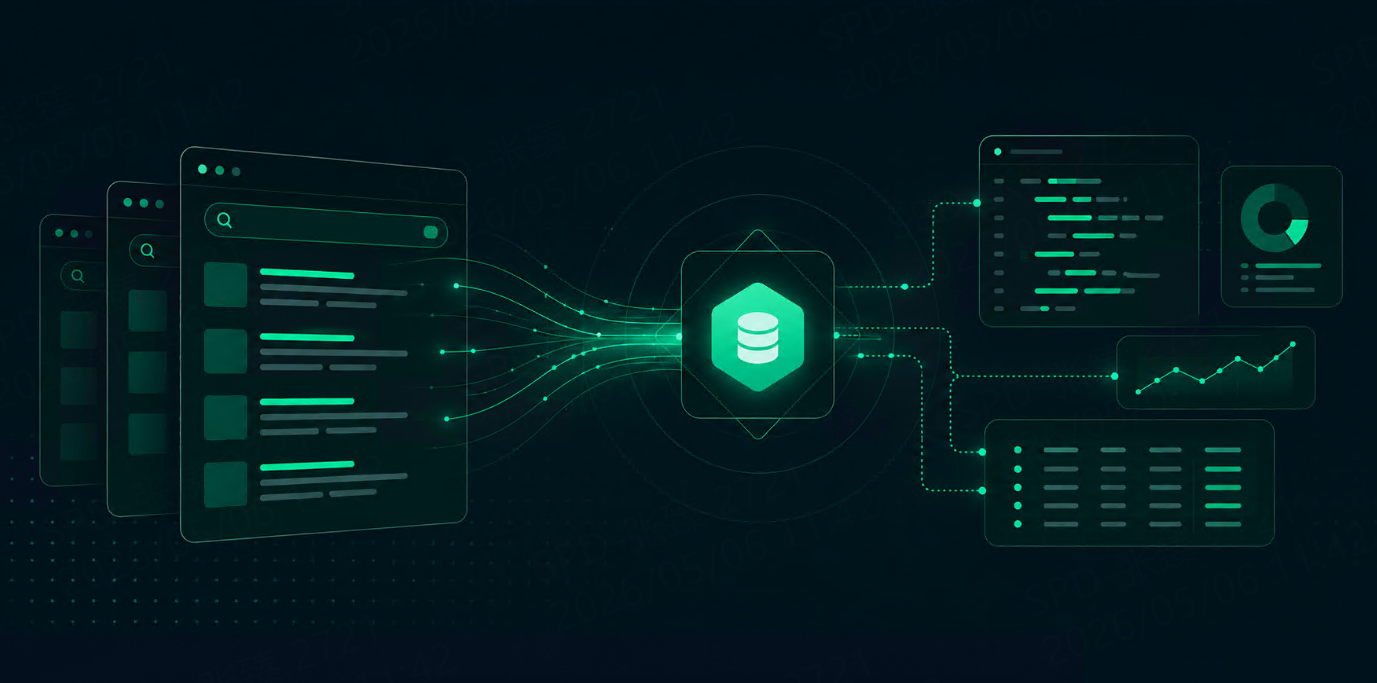
A simplified workflow:
Keyword List

      ↓

Google Search

      ↓

SERP Data Collection

      ↓

Ranking Detection

      ↓

Historical Database

      ↓

SEO Report
A professional rank tracker does much more than showing a position number.
It helps answer questions like:
- Did my ranking improve?
- Which competitors gained visibility?
- Which keywords are losing traffic potential?
- Which content needs optimization?
Why Build a Rank Tracker with SERP API?
Search results are dynamic.
The ranking position of a website depends on many factors:
- Search location
- Language
- Device type
- Search personalization
- Time
- Search intent
For example:
Searching:
best AI toolsfrom the United States may produce completely different results from searching the same keyword in Japan.
A reliable rank tracker must reproduce these search conditions.
A SERP API makes this possible by providing structured access to search results.
Instead of:
Python Script

↓

Browser Automation

↓

Google HTML

↓

Parser

↓

Extract Ranking
You can build:
Python Application

↓

TalorData SERP API

↓

Structured JSON

↓

Ranking Analysis
This removes much of the complexity involved in maintaining search infrastructure.
Problems with Traditional Google Scraping
Before APIs became common, many developers built SEO tools using scraping techniques.
A basic scraper might:
- Open Google search
- Download HTML
- Parse result elements
- Extract URLs
- Calculate rankings
A simple example:
import requests
from bs4 import BeautifulSoup


html = requests.get(
    "https://www.google.com/search?q=python+serp+api"
).text


soup = BeautifulSoup(
    html,
    "html.parser"
)
Although this works for experiments, production systems face several challenges.
1. Search Page Structure Changes
Search engines frequently update their frontend.
A selector that works today:
result = soup.select_one(
    ".search-result"
)
may fail after a layout update.
Large-scale SEO platforms cannot depend on fragile HTML parsing.
2. Anti-Bot Protection
Search engines actively protect their infrastructure.
Automated requests may encounter:
- CAPTCHA challenges
- Rate limits
- Temporary blocks
- Different content responses
Maintaining this infrastructure requires significant engineering resources.
3. Location and Device Differences
SEO professionals rarely care about only one search environment.
They need answers like:
- What is my ranking in the United States?
- How do mobile users see my website?
- How does my competitor rank in Germany?
A rank tracker needs accurate search context.
Rank Tracker Architecture
A production-ready rank tracker usually contains several components.
A simple architecture:
Keyword Database

        ↓

SERP API Collector

        ↓

Ranking Processor

        ↓

Database

        ↓

Analytics Dashboard
Each component has a specific role.
Keyword Database
Stores keywords you want to monitor.
Example:
[
  {
    "keyword": "python serp api",
    "target_domain": "example.com"
  },
  {
    "keyword": "google search api",
    "target_domain": "example.com"
  }
]
SERP API Collector
Responsible for requesting search results.
It sends:
- Keyword
- Location
- Language
- Device
- Search parameters
Example:
{
    "engine": "google",
    "q": "python serp api",
    "location": "United States"
}
Ranking Processor
The processor analyzes returned results.
It answers:
“Where does my website appear?”
Example:
Position 1
example.com

Position 2
competitor.com

Position 8
mywebsite.com
The system records:
Keyword:
python serp api

Ranking:
8

Date:
2026-08-27
Setting Up the Python Project
For this tutorial, we will use:
- Python
- Requests
- TalorData SERP API
Install dependencies:
pip install requestsCreate a project:
rank-tracker/

├── tracker.py
├── keywords.json
└── requirements.txt
Configure Your TalorData API Token
Store your API key securely.
Do not write:
API_TOKEN = "123456"Instead:
import os


API_TOKEN = os.getenv(
    "TALOR_API_TOKEN"
)
Set the environment variable:
macOS / Linux:
export TALOR_API_TOKEN="your_token"Windows:
setx TALOR_API_TOKEN "your_token"This keeps credentials separate from your source code.
Making Your First Rank Tracking Request
Now create a simple search function.
import os
import requests


API_TOKEN = os.getenv(
    "TALOR_API_TOKEN"
)


URL = (
    "https://serpapi.talordata.net/"
    "serp/v1/request"
)


def search_google(keyword):

    headers = {
        "Authorization":
        f"Bearer {API_TOKEN}"
    }


    payload = {
        "engine": "google",
        "q": keyword
    }


    response = requests.post(
        URL,
        headers=headers,
        json=payload
    )


    return response.json()
Usage:
results = search_google(
    "python serp api"
)

print(results)
The API response contains structured search results that can be analyzed by your application.
Extracting Keyword Rankings from SERP Results
Now that we can retrieve Google search results, the next step is identifying where a target website appears.
The core logic of a rank tracker is simple:
- Search a keyword
- Read organic results
- Find the target domain
- Save the ranking position
A simplified example:
def find_position(results, domain):

    organic_results = results.get(
        "organic_results",
        []
    )


    for item in organic_results:

        if domain in item["link"]:

            return item["position"]


    return None
Usage:
results = search_google(
    "python serp api"
)


position = find_position(
    results,
    "example.com"
)


print(position)
Output:
8This means the website appears at position 8 for that keyword.
Tracking Multiple Keywords
Real SEO platforms rarely monitor only one keyword.
A typical project may track:
- Hundreds of keywords
- Multiple websites
- Different countries
- Multiple devices
Example keyword configuration:
[
    {
        "keyword": "python serp api",
        "domain": "example.com"
    },
    {
        "keyword": "google search api",
        "domain": "example.com"
    },
    {
        "keyword": "seo automation tools",
        "domain": "example.com"
    }
]
You can loop through the keyword list:
keywords = [
    "python serp api",
    "google search api",
    "seo automation tools"
]


for keyword in keywords:

    results = search_google(keyword)

    position = find_position(
        results,
        "example.com"
    )

    print(
        keyword,
        position
    )
Example output:
python serp api 5
google search api 12
seo automation tools 7
Now you have the foundation of an automated rank tracking system.
Adding Location and Language Tracking
Professional SEO tools need more than keyword tracking.
Search results vary by:
- Country
- Region
- Language
- Device
For example, a company operating globally may track:
Keyword:
best AI tools

Location:
United States

Language:
English
and:
Keyword:
best AI tools

Location:
Germany

Language:
German
The same keyword can produce different rankings.
Example:
payload = {

    "engine": "google",

    "q": "best AI tools",

    "location": "Germany",

    "hl": "de"

}
This allows SEO teams to understand international visibility.
Tracking Mobile vs Desktop Rankings
Mobile search has become a major ranking factor.
A website may perform well on desktop but differently on mobile.
A rank tracker can compare:
Desktop Ranking

vs

Mobile Ranking
Example:
payload = {

    "engine": "google",

    "q": "seo tools",

    "device": "mobile"

}
This is useful for:
- Mobile SEO monitoring
- Website optimization
- User experience analysis
Storing Ranking History
A rank tracker becomes valuable when it stores historical data.
A single ranking snapshot only tells you:
Where am I today?
Historical data tells you:
How did my visibility change over time?
Example database record:
{
    "keyword": "python serp api",
    "position": 5,
    "date": "2026-08-27"
}
After several weeks:
August 1:
Position 12

August 15:
Position 8

August 27:
Position 5
Now you can identify:
- SEO improvements
- Ranking drops
- Algorithm impact
- Competitor growth
Example Database Structure
A simple SQL table:
CREATE TABLE rankings (

    id INTEGER PRIMARY KEY,

    keyword TEXT,

    domain TEXT,

    position INTEGER,

    location TEXT,

    device TEXT,

    created_at TIMESTAMP

);
Each SERP request creates a new record.
Over time, you build a complete ranking history database.
Automating Daily Rank Checks
SEO monitoring is most useful when automated.
A common workflow:
Every Morning

↓

Load Keywords

↓

Request SERP Data

↓

Calculate Rankings

↓

Store Results

↓

Generate Report
Python scheduling options include:
- Cron jobs
- Celery
- Airflow
- Cloud functions
Example using a simple scheduled task:
import schedule
import time


def daily_tracking():

    print(
        "Running rank tracking..."
    )


schedule.every().day.at(
    "09:00"
).do(
    daily_tracking
)


while True:

    schedule.run_pending()

    time.sleep(60)
This creates the foundation for a fully automated SEO monitoring system.
Monitoring Competitors
A rank tracker should not only monitor your own website.
Competitive intelligence is equally important.
For example:
Keyword:

AI automation tools


Your Website:

Position 6


Competitor A:

Position 3


Competitor B:

Position 8
Over time, you can analyze:
- Which competitors gain rankings
- Which pages replace yours
- Which keywords become more competitive
Example:
competitors = [

    "competitor-a.com",

    "competitor-b.com"

]
The same SERP data can power competitor monitoring.
Building an SEO Dashboard
Once ranking data is stored, you can create dashboards.
A typical dashboard includes:
Keyword Overview
Example:
Total Keywords:
5,000


Improved:
1,200


Dropped:
300


No Change:
3,500
Ranking Distribution
Example:
Top 3:
250 keywords


Top 10:
1,100 keywords


Top 100:
4,500 keywords
Competitor Comparison
Example:
Keyword:
AI search API


Your Site:
Position 4


Competitor:
Position 2
The architecture:
SERP API

↓

Python Backend

↓

Database

↓

Analytics Layer

↓

Dashboard
Using SERP API for AI SEO Assistants
SEO workflows are becoming increasingly AI-driven.
Instead of manually checking dashboards, teams can use AI assistants to analyze ranking data.
Example workflow:
SEO Manager

↓

AI Assistant

↓

SERP Data

↓

Ranking Analysis

↓

Recommendations
An AI SEO assistant could answer:
“Which keywords dropped this week?”
or:
“Which competitors are gaining visibility?”
The assistant can analyze:
- Ranking changes
- Competitor movement
- Search trends
- Content opportunities
Combining SERP API with RAG Systems
Retrieval-Augmented Generation (RAG) allows AI systems to combine language models with external data sources.
A SERP API can become one of those data sources.
Architecture:
User Question

↓

AI Agent

↓

SERP API

↓

Search Results

↓

Vector Database

↓

LLM

↓

Answer
Example:
User asks:
“What are the latest AI infrastructure trends?”
The system can:
- Search current information
- Retrieve relevant pages
- Analyze content
- Generate a response
This creates AI applications with access to fresh web information.
Best Practices for Production Rank Trackers
Respect Search Context
Always store:
- Keyword
- Location
- Language
- Device
- Timestamp
Without context, ranking data can be misleading.
Handle Missing Rankings
A website may not appear in the first page.
Your system should handle:
if position is None:

    print(
        "Not ranking"
    )
Avoid Duplicate Requests
For large keyword lists:
- Cache results
- Schedule efficiently
- Store previous data
This improves:
- Performance
- Cost control
- Reliability
Common Questions
How accurate is a SERP API rank tracker?
Accuracy depends on matching the search environment.
Using parameters such as:
- Location
- Language
- Device
helps reproduce real-world search conditions.
Can I build my own SEO tool with Python?
Yes.
Python provides everything needed:
- API requests
- Data processing
- Database integration
- Dashboard frameworks
A SERP API provides the search data layer.
Is a SERP API better than scraping for rank tracking?
For small experiments, scraping may work.
For production SEO platforms, APIs usually provide:
- More stable data
- Less maintenance
- Easier scaling
Conclusion
Building a Google rank tracker requires more than collecting search results.
A useful SEO system needs:
- Reliable data collection
- Ranking analysis
- Historical tracking
- Competitor monitoring
- Automated reporting
Python provides a flexible development environment, while TalorData SERP API provides structured Google search data without the complexity of maintaining custom scraping infrastructure.
With this foundation, developers can build:
- SEO platforms
- Keyword monitoring tools
- AI SEO assistants
- Market intelligence systems
Search data is no longer just something to scrape.
It is infrastructure that powers the next generation of SEO and AI applications.