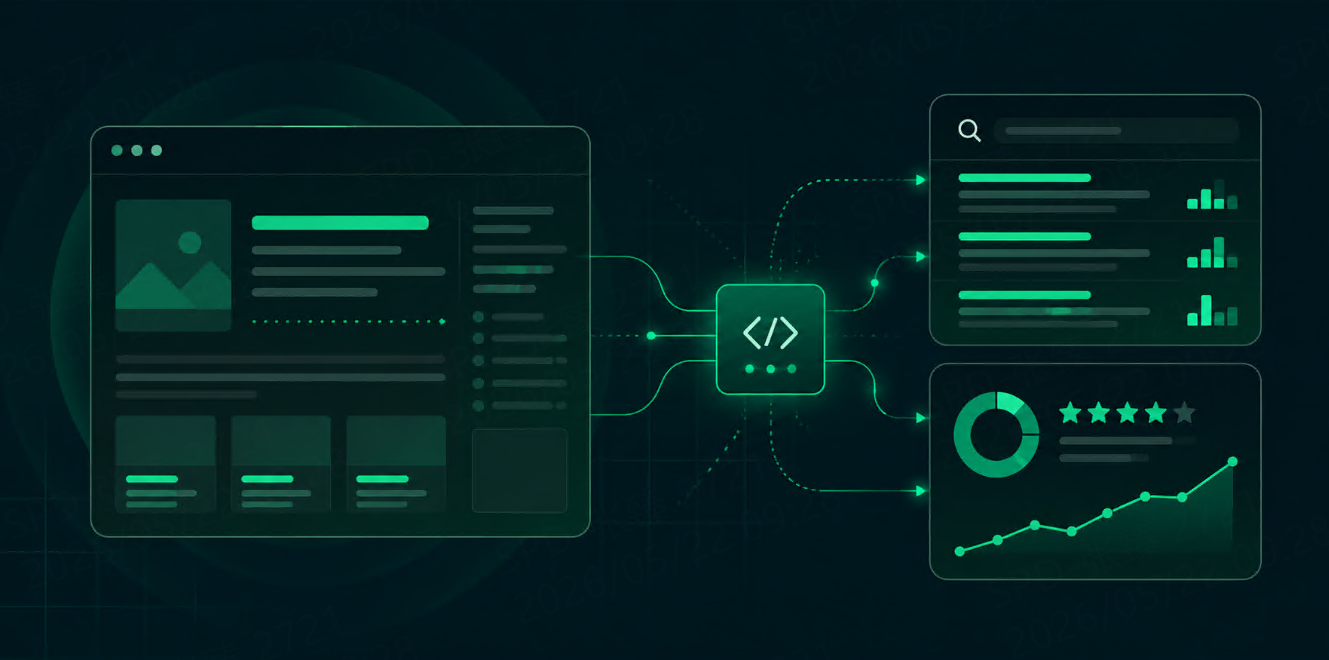
How Developers Can Use MCP Servers to Query Search Results
Learn how developers can use MCP servers to query live search results from AI tools. See how MCP connects LLM clients with SERP APIs for search, SEO research, RAG, and competitor monitoring.




Quick answer: Developers can use an MCP server as a bridge between an AI tool and a SERP API. Instead of writing custom search request code inside every AI workflow, the MCP server exposes search as a tool. The AI client can call that tool, retrieve live SERP data, and use the results for research, SEO monitoring, RAG, or agent workflows.
Model Context Protocol, or MCP, is an open protocol for connecting LLM applications with external data sources and tools. The official MCP specification describes it as a way to integrate LLM apps with external data and tools, while Anthropic’s original introduction framed it as a standard for secure two-way connections between AI-powered tools and data sources.
For search data, this matters because most LLMs do not automatically know what is currently ranking in Google, Bing, Yandex, or DuckDuckGo. A SERP API can provide that live search layer. An MCP server makes that search layer easier for AI tools to discover and invoke.
Why Query Search Results Through MCP?
Developers can call a SERP API directly with HTTP requests. That still works.
But MCP is useful when search needs to become a tool inside an AI environment.
A direct API workflow looks like this:
Developer writes request code
→ App calls SERP API
→ App parses JSON
→ App sends selected data to LLM
An MCP workflow looks more like this:
AI tool receives user request
→ AI tool discovers MCP search tool
→ MCP server calls SERP API
→ SERP results return to AI tool
→ AI summarizes, compares, or reasons over results
The difference is not the search data itself. The difference is how easily an AI client can use it.
This is useful for:
-
AI agents that need live search context
-
SEO research assistants
-
RAG source discovery
-
competitor monitoring
-
content research automation
-
local search analysis
-
keyword visibility checks
Talordata MCP is positioned as a remote MCP server for the Talordata SERP API. It connects multi-engine SERP capabilities with MCP-compatible clients and supports real-time web search, request history lookup, and usage analytics.
MCP Server vs Direct SERP API
MCP does not replace a SERP API. It wraps the API as a tool that an AI client can call.
|
Workflow |
Best For |
|
Direct SERP API |
Production apps, backend pipelines, dashboards, scheduled jobs |
|
MCP Server |
AI tools, agent workflows, prompt-driven research, no-code or low-code search tasks |
|
Both together |
Teams that want backend control and AI tool access |
For example, your backend rank tracker may still call the SERP API directly every morning. But your AI research assistant can use the MCP server when a user asks, “Compare the current search results for this keyword across Google and Bing.”
What Search Tasks Can an MCP Server Handle?
A search-focused MCP server can expose tools such as:
search_google
search_bing
search_yandex
search_duckduckgo
compare_serp_results
get_request_history
get_usage_analytics
The exact tools depend on the provider. The main idea is that the AI client does not need to know every API endpoint, authentication rule, or query parameter. It only needs a clear tool description and a valid MCP connection.
A developer or SEO analyst might ask:
Search Google in the United States for “best project management software”
and return the top 10 organic results with titles, URLs, snippets, and domains.
Or:
Compare Google and Bing results for “SERP API for AI agents”.
Show overlapping domains, unique domains, and ranking differences.
Or:
Find current search results for “best local SEO tools”
and summarize which competitors appear most often.
This is where MCP becomes useful. The AI tool can turn a natural-language task into a structured tool call.
Basic Architecture
A simple SERP MCP setup has four parts:
User
→ MCP-compatible AI client
→ MCP server
→ SERP API
→ Search engine result data
The AI client may be an assistant, AI IDE, internal agent console, or workflow tool. The MCP server exposes the available search tools. The SERP API collects structured search data. The AI client then uses the returned data to answer the user.
A normalized tool response might look like this:
{
  "query": "best SERP API for AI agents",
  "engine": "google",
  "location": "United States",
  "results": [
    {
      "position": 1,
      "title": "Example Result",
      "url": "https://example.com",
      "domain": "example.com",
      "snippet": "Short search result summary..."
    }
  ]
}
This format is easier for LLMs to use than raw HTML.
Example MCP Client Configuration
The exact configuration depends on the MCP client and provider. For a remote MCP server, the shape often looks like this:
{
  "mcpServers": {
    "search-data": {
      "type": "http",
      "url": "YOUR_REMOTE_MCP_SERVER_URL",
      "headers": {
        "Authorization": "Bearer YOUR_API_KEY"
      }
    }
  }
}
For some MCP clients, credentials may be stored in environment variables instead:
export SERP_API_KEY="your_api_key_here"
export MCP_SERVER_URL="your_mcp_server_url_here"
Do not hardcode API keys in shared repositories, prompts, or public configuration files.
Prompt Examples Developers Can Use
Once the MCP server is connected, the developer experience becomes more conversational.
SEO research
Search Google for “best CRM for small business” in the United States.
Return the top 10 organic results.
Group results by domain and identify repeated competitors.
RAG source discovery
Search Google and Bing for “MCP server for search data”.
Return sources that explain how MCP connects AI tools with external APIs.
Prefer documentation and technical articles.
Competitor monitoring
Search Google for “ScraperAPI alternative for search data”.
Show which domains appear in the top 10 and summarize common positioning.
Local SEO
Search Google Maps results for “dentist in Austin”.
Return business names, ratings, reviews, addresses, and websites.
Content research
Search Google for “SERP API for RAG”.
Summarize the top-ranking article angles and suggest gaps for a new blog post.
About Talordata MCP Server
Talordata is useful when developers want SERP data to be available inside AI tools without manually writing request code for each task.
Talordata SERP API is described as supporting major search engines such as Google, Bing, Yandex, and DuckDuckGo, with JSON / HTML output and geo-targeted SERP data. Its MCP server listing says it connects multi-engine SERP capabilities with MCP-compatible clients and lets AI tools search, compare, summarize, and monitor SERP data without writing API request code. Get 1,000 free API responses >>
That makes it suitable for developers building:
-
AI search assistants
-
SEO research tools
-
RAG source discovery workflows
-
search intelligence dashboards
-
competitor monitoring agents
-
multi-engine SERP comparison workflows
Best Practices
Keep tool names clear. An MCP tool named search_google is easier for an AI client to choose than a vague tool named run.
Return structured fields. Include query, engine, location, device, position, title, URL, domain, snippet, and timestamp.
Limit result counts. Start with top 10 results unless the workflow needs more.
Store request metadata. Search data changes over time, so save query, engine, location, device, and collection time.
Use permissions carefully. MCP makes tools easier to invoke, so developers should protect API keys, restrict access, and avoid exposing unnecessary tools. MCP security and maintainability have become active research topics as MCP servers grow in adoption.
Validate before generation. The LLM should cite or reference returned search results, not invent sources.
FAQ
What is an MCP server for search results?
An MCP server for search results exposes search data tools to an AI client. The AI tool can call the server, the server calls a SERP API, and structured search results are returned for summarization, comparison, or analysis.
Is MCP the same as a SERP API?
No. A SERP API collects search result data. An MCP server makes that API available as a tool inside MCP-compatible AI clients.
Why use MCP instead of direct API calls?
Use direct API calls for backend systems and scheduled jobs. Use MCP when you want AI tools or agents to query search results through natural-language tasks.
What can developers build with a SERP MCP server?
Developers can build AI research assistants, SEO monitoring agents, RAG source discovery tools, competitor tracking workflows, local search tools, and SERP comparison assistants.
Should search results from MCP be stored?
Yes, for repeatable workflows. Store query, engine, location, device, result position, title, URL, snippet, and timestamp. This makes results auditable and easier to compare over time.