SerpApi Alternatives: Which Search API Should You Choose?
Compare lightweight SerpApi alternatives for SERP data, SEO tools, AI agents, RAG workflows, semantic search, and web crawling. See when to choose TalorData, DataForSEO, SearchAPI, Serper, Tavily, Exa, Brave Search API, or Firecrawl.
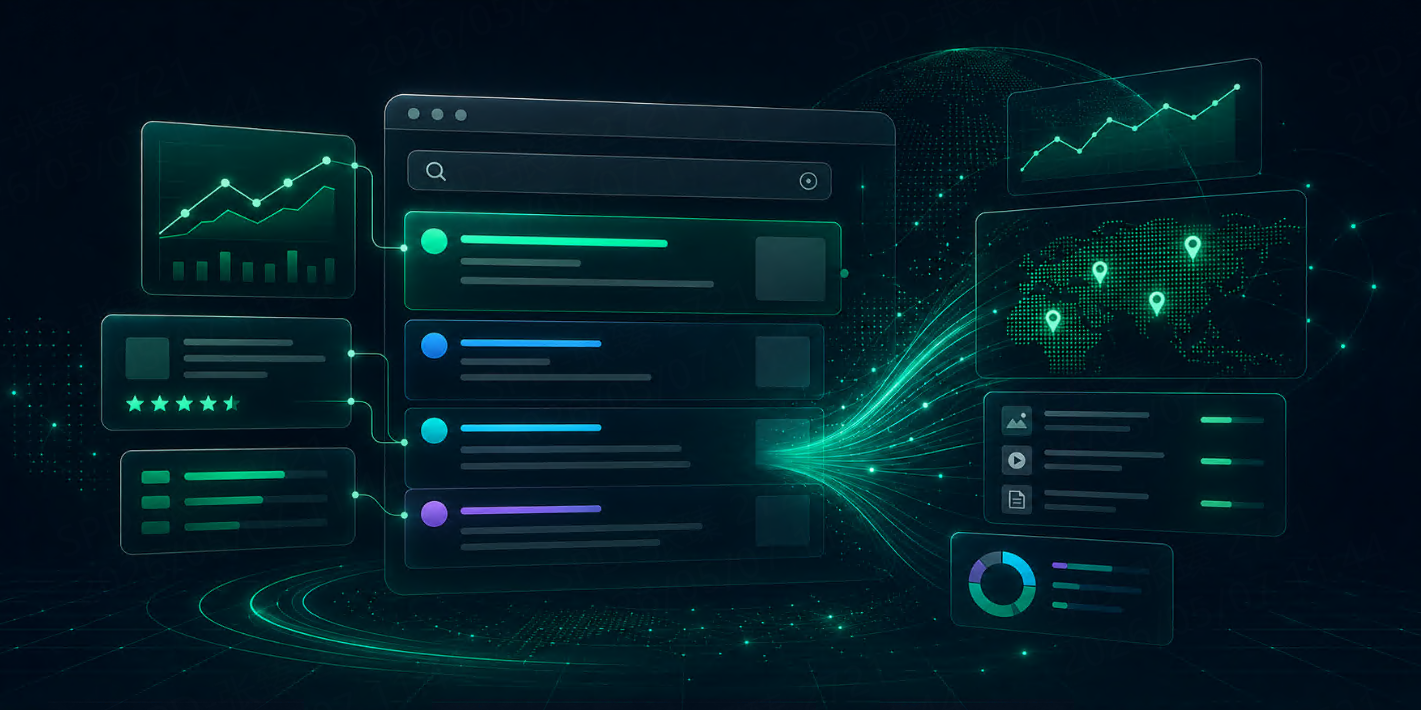



SerpApi is a popular choice when developers need structured search engine results. It provides real-time access to Google search results, handles proxies and CAPTCHA solving, and returns structured data such as organic results, Maps, Local, Shopping, Knowledge Graph, ratings, reviews, prices, and more.
But SerpApi is not always the best fit for every project.
Some teams need a cheaper Google Search API. Some need multi-engine SERP data. Some are building AI agents. Some only need to extract page content after they already have the URLs.
This guide keeps the comparison simple.
Quick answer
|
If you need… |
Consider… |
|
Multi-engine SERP data |
TalorData |
|
Large-scale SEO data |
DataForSEO |
|
Simple Google SERP API |
SearchAPI |
|
Low-cost Google search results |
Serper |
|
AI agent search |
Tavily |
|
Semantic AI search |
Exa |
|
Independent search index |
Brave Search API |
|
Page scraping after search |
Firecrawl |
1. TalorData
TalorData is a good fit when you need structured search results for SEO tools, AI agents, RAG workflows, competitor monitoring, or market research.
The main reason to consider TalorData is simple: you are not only looking for a Google Search API. You want a search data layer that can support broader workflows.
TalorData supports major search engines such as Google, Bing, Yandex, and DuckDuckGo, with structured SERP data for use cases like SEO monitoring, competitor tracking, AI agents, and RAG workflows.
Choose TalorData if:
|
Your need |
Why it fits |
|
Track search results across engines |
Google is not always enough |
|
Build SEO monitoring tools |
You need titles, URLs, snippets, and positions |
|
Feed AI agents with live search data |
Agents need fresh search context |
|
Build RAG source collection |
Search results provide source URLs |
|
Monitor competitors |
SERP snapshots show who appears |
Maybe not if:
You only need to scrape one web page after you already have the URL. In that case, a crawler or page extraction API may fit better.
2. DataForSEO
DataForSEO is better for teams building SEO products at scale.
It is useful when you need rank tracking, keyword research, SERP feature data, and other SEO datasets. DataForSEO uses a pay-as-you-go model, and its SERP API pricing includes different modes such as Standard Queue, Priority Queue, and Live Mode.
Choose DataForSEO if:
|
Your need |
Why it fits |
|
Large keyword volume |
Queue-based collection can control cost |
|
SEO SaaS product |
It has broader SEO data coverage |
|
Scheduled rank tracking |
Good for batch workflows |
|
Cost-sensitive SERP jobs |
Pay-as-you-go can be useful |
Maybe not if:
You want a very simple real-time API for a small app feature.
3. SearchAPI
SearchAPI is a clean option when you mainly need Google SERP data.
It focuses on real-time SERP scraping, pay-only-successful-searches, and coordinate-level geo-targeting. It also offers 100 free requests to start.
Choose SearchAPI if:
|
Your need |
Why it fits |
|
Simple Google Search API |
Easy request and response flow |
|
Localized Google checks |
Coordinate-level targeting helps |
|
Product feature integration |
Good for app-level search data |
|
Basic SEO checks |
Useful for titles, URLs, snippets |
Maybe not if:
You need a broader multi-engine SERP workflow across Google, Bing, Yandex, and DuckDuckGo.
4. Serper
Serper is often chosen for low-cost Google search results.
Its homepage describes it as a Google Search API with results in 1 to 2 seconds and pricing starting from $0.30 per 1,000 queries.
Choose Serper if:
|
Your need |
Why it fits |
|
Low-cost Google results |
Good entry price |
|
AI prototype |
Cheap search context |
|
Basic SERP snippets |
Enough for lightweight tools |
|
Fast integration |
Simple API style |
Maybe not if:
You need deeper SERP analysis, multi-engine monitoring, or complex SEO data workflows.
5. Tavily
Tavily is built for AI agents and RAG workflows.
It describes itself as a real-time search engine for AI agents, with APIs for web search and content extraction.
Choose Tavily if:
|
Your need |
Why it fits |
|
AI agent search |
Designed for agent workflows |
|
RAG source discovery |
Helps retrieve current web context |
|
Research assistant |
Good for finding relevant sources |
|
Answer generation |
Better for response-oriented search |
Maybe not if:
You need exact Google ranking positions, SERP feature tracking, or local SEO monitoring.
6. Exa
Exa is useful when you care more about semantic search than exact Google results.
It positions itself as an AI search engine with search, crawling, and deep research APIs. Its docs also describe custom search types for agent workflows.
Choose Exa if:
|
Your need |
Why it fits |
|
Semantic web search |
Finds pages by meaning |
|
AI research tools |
Good for discovery workflows |
|
Similar content discovery |
Useful for finding related pages |
|
Deep research |
Built around AI search use cases |
Maybe not if:
You need to know what ranks on Google for a specific keyword today.
7. Brave Search API
Brave Search API is different because it uses Brave’s independent web index.
That makes it useful when you want search results that are not based on Google SERPs. Brave describes its Search API as powered by an independent index of the web.
Choose Brave Search API if:
|
Your need |
Why it fits |
|
Independent search results |
Not Google SERP data |
|
General web search |
Good for search app features |
|
Alternative search layer |
Useful beside Google-based APIs |
|
AI source discovery |
Can provide current web results |
Maybe not if:
You need Google rank tracking, Google Maps data, Google Shopping results, or Google SERP feature monitoring.
8. Firecrawl
Firecrawl is not really a SerpApi replacement. It solves a different problem.
It helps you search, scrape, crawl, and convert web pages into LLM-ready data such as Markdown or JSON.
Choose Firecrawl if:
|
Your need |
Why it fits |
|
Extract page content |
Good after you already have URLs |
|
Convert pages to Markdown |
Useful for LLM pipelines |
|
Crawl websites |
Good for docs, blogs, and knowledge bases |
|
Prepare RAG content |
Turns pages into cleaner text |
Maybe not if:
You need search ranking data. Firecrawl is better after search discovery, not as the main SERP data source.
Simple decision guide
|
Question |
Better choice |
|
Do I need Google, Bing, Yandex, and DuckDuckGo data? |
TalorData |
|
Am I building a large SEO platform? |
DataForSEO |
|
Do I just need Google results in JSON? |
SearchAPI |
|
Do I want the lowest-cost Google API for a prototype? |
Serper |
|
Am I building an AI agent? |
Tavily or TalorData |
|
Do I need semantic search? |
Exa |
|
Do I want a non-Google search index? |
Brave Search API |
|
Do I need to scrape page content from URLs? |
Firecrawl |
Final recommendation
There is no single best SerpApi alternative.
If you need structured SERP data for SEO, AI agents, RAG, competitor monitoring, or multi-engine search, TalorData is a strong option.
If you are building a large SEO data platform, DataForSEO is worth comparing.
If you only need simple Google SERP results, SearchAPI or Serper may be enough.
If your workflow is AI-first, look at Tavily or Exa.
If you already have URLs and need clean page content, use Firecrawl.
The easiest way to choose is to ask one question:
Do I need search results, search answers, or page content?
For search results, use a SERP API.
For AI answers, use an AI search API.
For page content, use a crawler.
That one distinction will save you from buying the wrong tool.